

Archiving
1. How to Archive a Dashboard
Archiving a dashboard is simple:
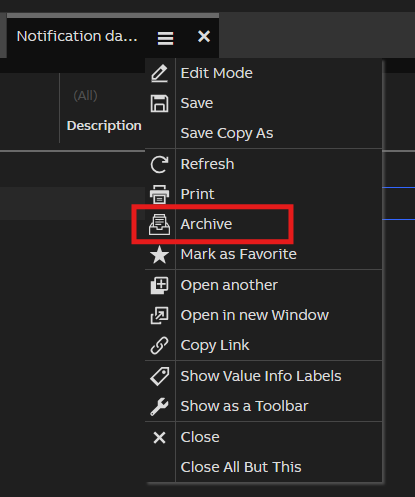
- Open the dashboard you want to archive.
- Click the Archive button.
- Select the paper size and orientation on the archiving dialog.
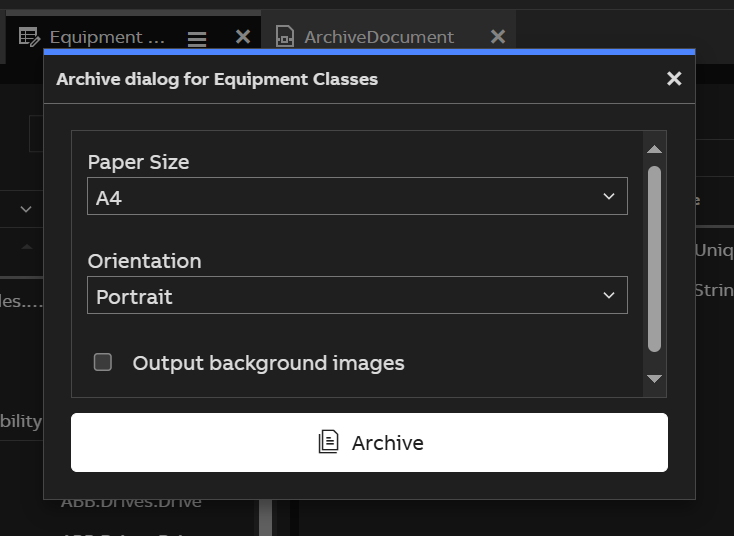
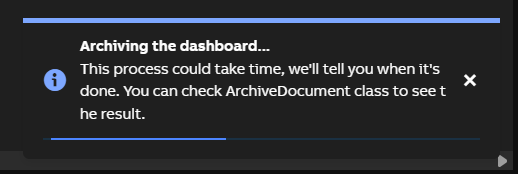
- Click "Archive" button. The system will begin generating a PDF.
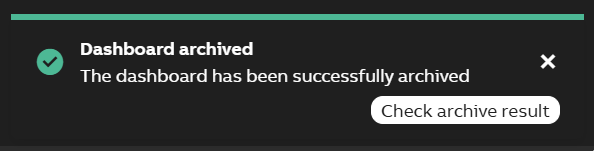
- Once it's ready, you'll get a confirmation.
No additional setup is required on your part—just click and go.
2. Accessing Archived Dashboards
To view or download archived dashboards:
Go to the ArchiveDocument dashboard. From engineering UI it is located in User Interface > Archiving.
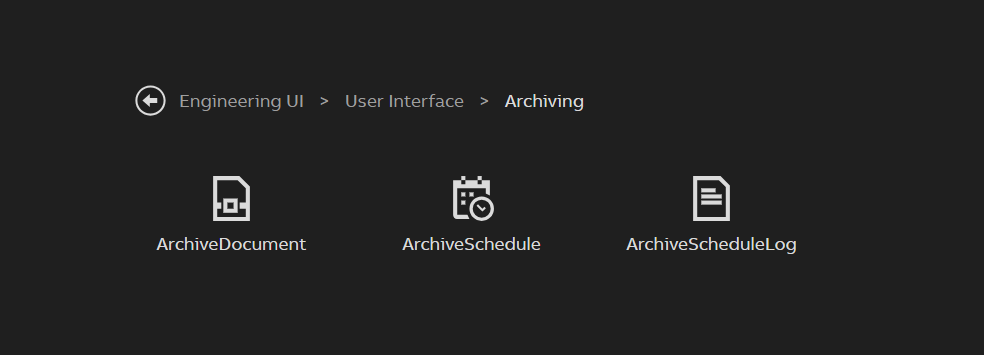
Browse the list or use the search function.
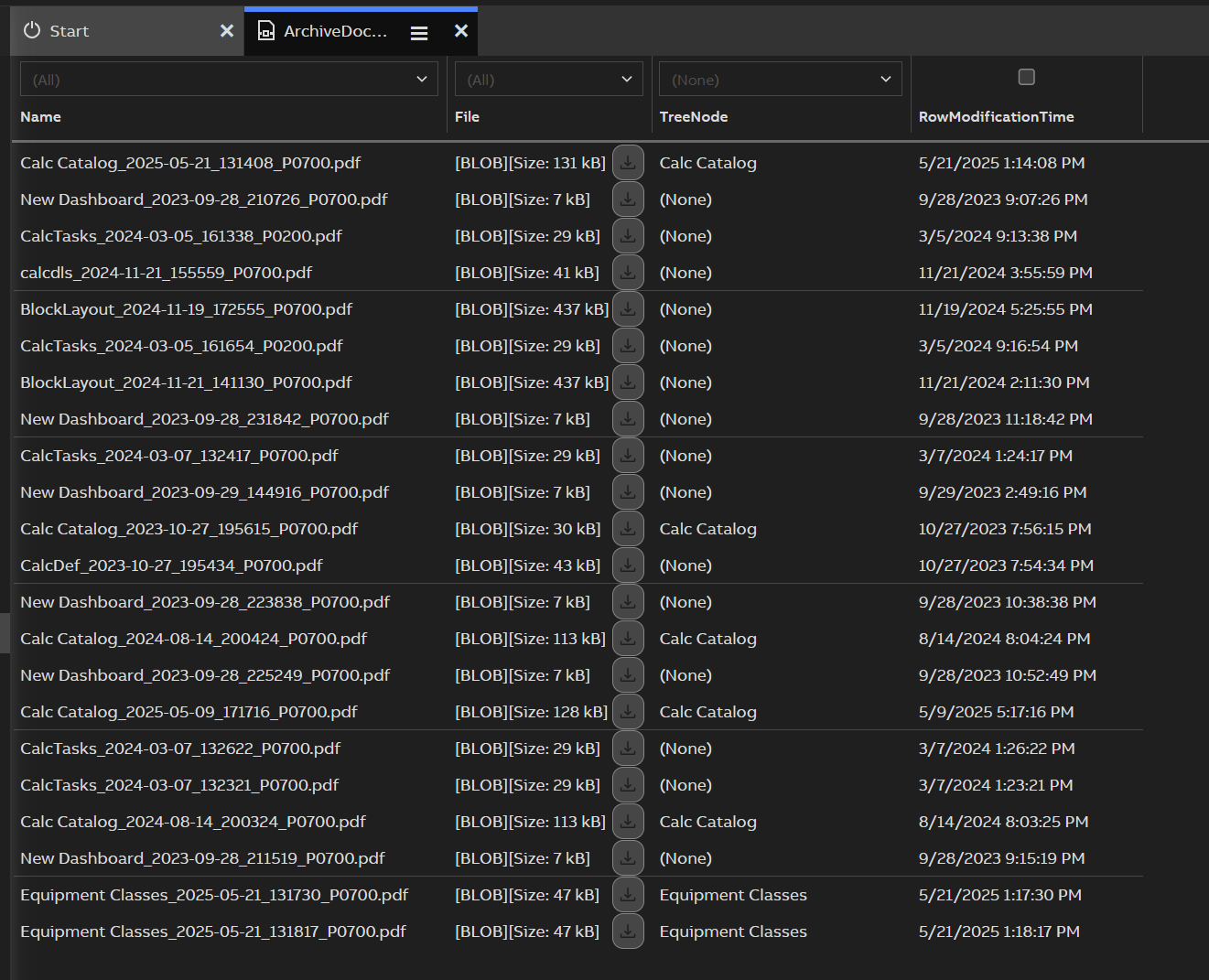
Click the download button on the File column to download the PDF.
Each archive includes a timestamp in its filename for easy tracking.
Updated 3 months ago
Did this page help you?